Your shopping cart is empty!

This page lets you install a new firmware version on your Kaona module directly from your web browser, with no software to install. You need a USB cable and Chrome, Edge or Opera on a computer (Windows, macOS or Linux).
It takes one or two minutes. If writing is interrupted, nothing is damaged: simply start again.
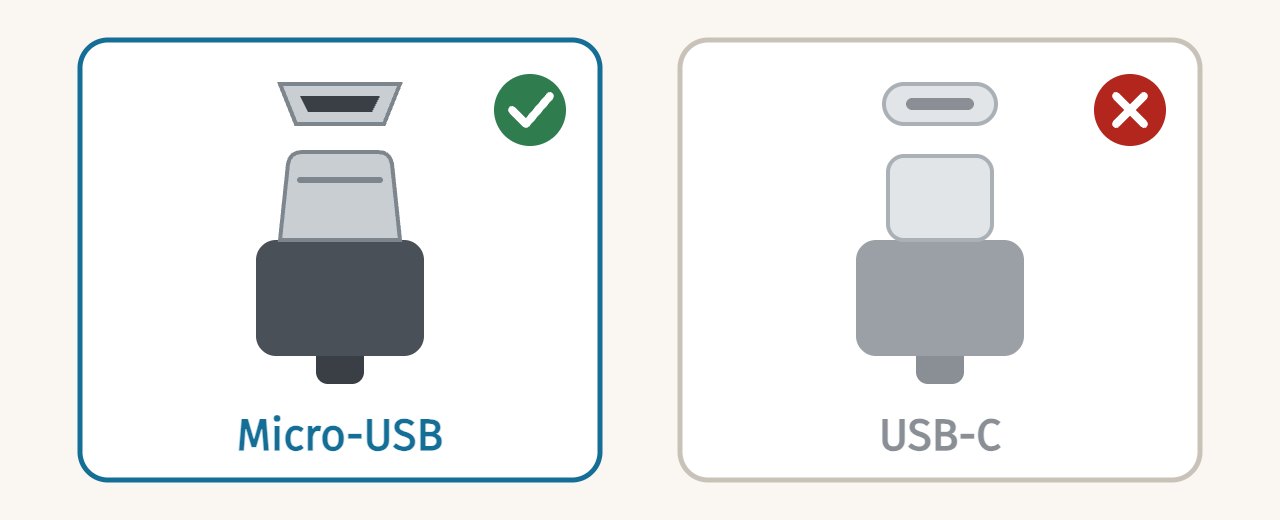
When you plug in the USB cable, the module lights up and starts: this is normal, it is powered by the computer. Do not use it in this state and do not connect anything else to it: it is only there for the update.
You need to be logged in to your Kaona account to update your modules' firmware.
The module restarts straight away with the new firmware. Unplug the USB cable, then put the module back in the case and reconnect its power cable.
If updating from the browser doesn't work on your computer, you can use PJRC's Teensy Loader application. Write to us at
 EN
 FR